Get App Via Email Link
When a teacher is added to LENA Online, they automatically receive an email with a link to set their password and download the LENA Grow App.
Only teachers already added to LENA Online can log in. Make sure classrooms and teachers are set up in LENA Online before trying to log into the app.
Get App Without Email Link
- Open Google Play (Android) orApp store (Apple iOS) on the device the teacher will use for LENA Grow.


- Search for “LENA Grow”.
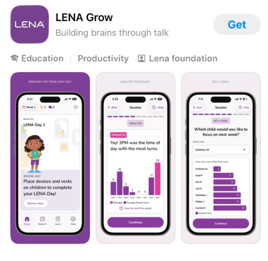
- Install the app.
- Login with email and password.
If a password has not yet been set, tap "Set or Reset password" to create one.