Get the app via email link
When a teacher is added to LENA Online, they automatically receive an email with a link to set their password and download the LENA Grow app.
Only teachers who have been added to LENA Online can log in. Make sure classrooms and teachers are set up in LENA Online before teachers try to log in to the app.
Get the app without an email link
- Open Google Play (Android) or App Store (Apple iOS) on the device the teacher will use for LENA Grow.


- Search for “LENA Grow”.
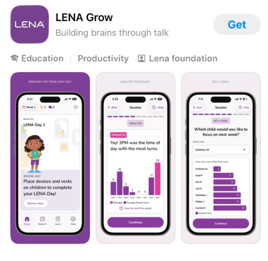
- Install the app.
- Have the teacher log in with their email and password.
If the teacher has not set a password, have them tap “Set or Reset Password” to create one.