
Course Outline
1. Using Your Coach Materials (4 min)
As a LENA Grow coach, you will use three main resources throughout the program: the Getting Started Checklists, Coach Kit, and LENA Online (including Session Prep and the LENA Library). These materials work together to support you in delivering effective and engaging coaching sessions.
No matter what sequence you are coaching, you will continue to use these resources year over year — so keep them in a safe place!
1. Getting Started Checklists
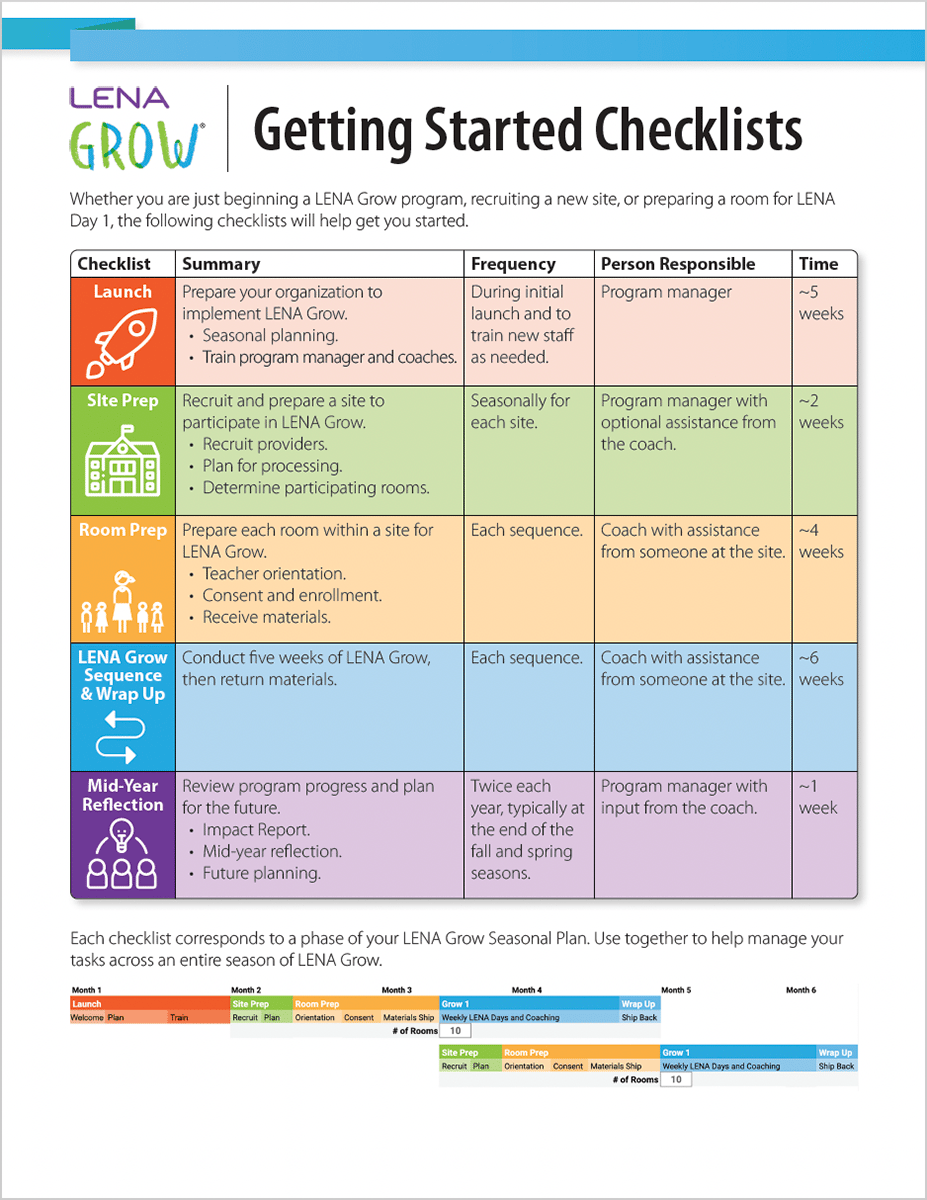 |
When conducting a LENA Grow sequence, a little advanced planning goes a long way! LENA’s Getting Started Checklists help organize tasks and responsibilities during LENA Grow launch and beyond. |
You can find the Getting Started Checklists at the beginning of this course, in LENA Online Session Prep, and in the LENA Library. Resources can be used digitally or printed, whichever is easiest for you.
2. Coach Guide
 |
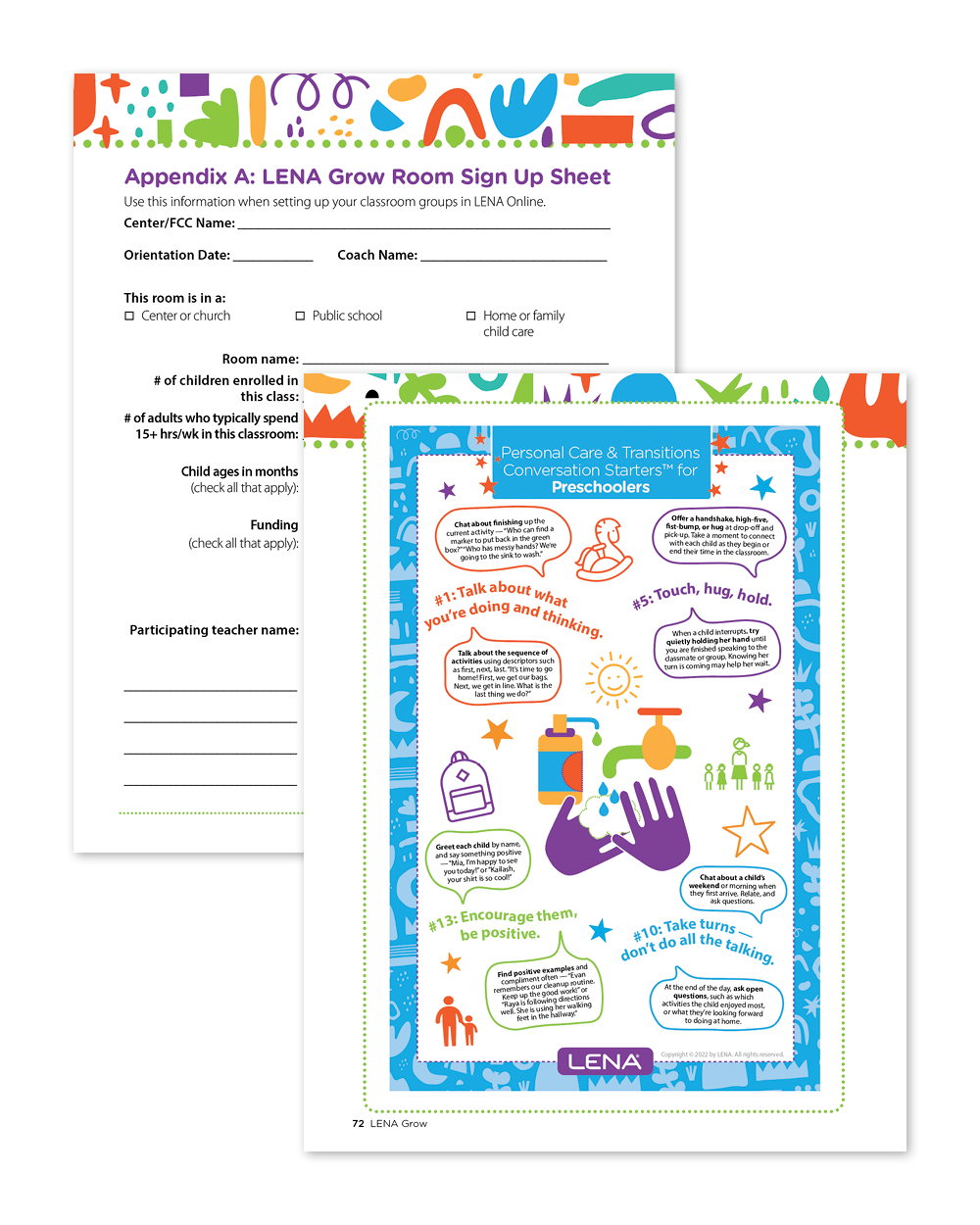
Your Coach Guide contains all the essential information to help you prepare for and conduct a sequence. Bring it with you to every coaching sequence! It not only provides week-by-week guidance, but also describes where to find and when to use various program materials. |
|
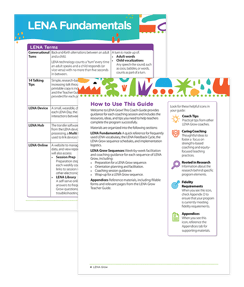
Use the beginning of the guide to find:
|
|
|
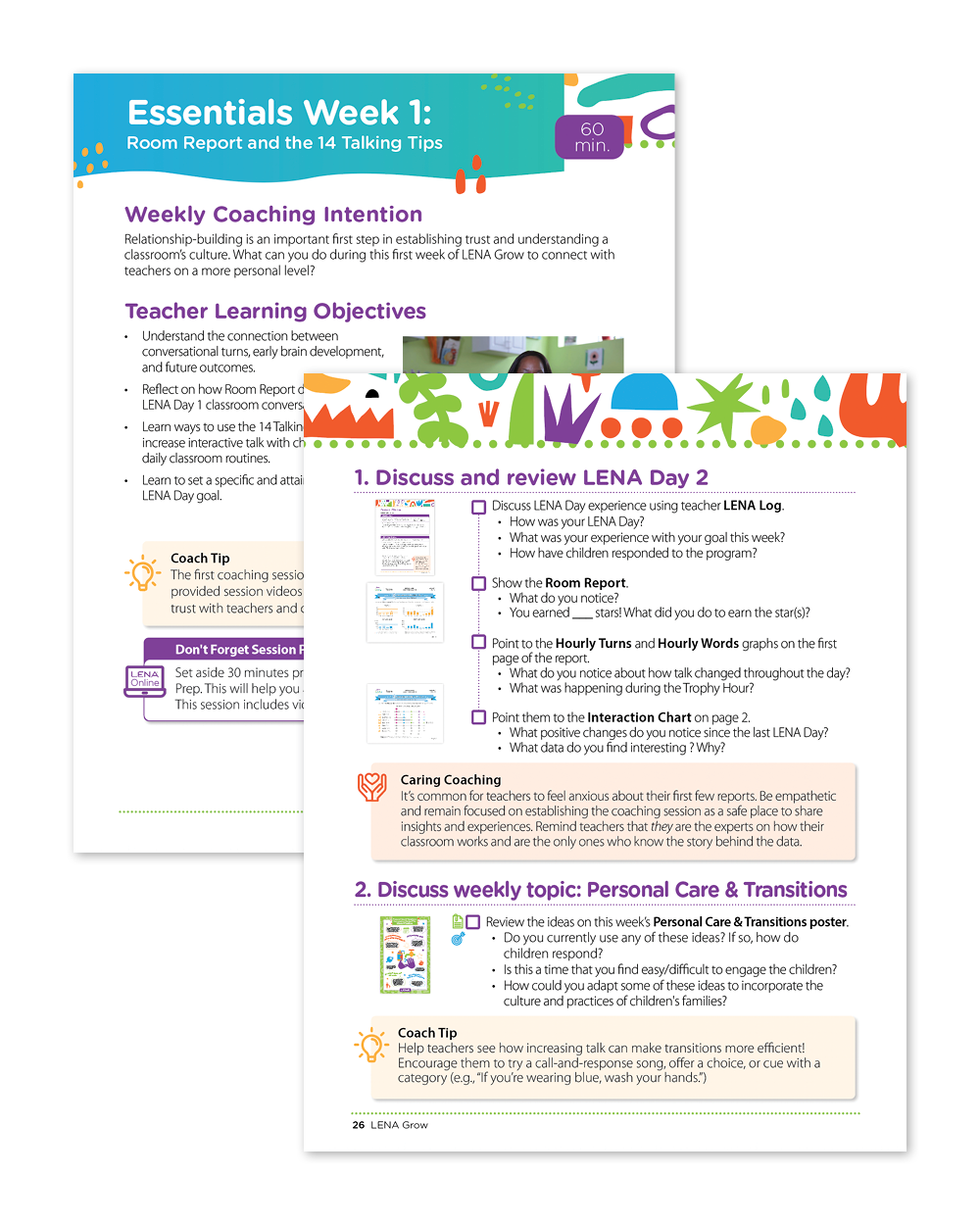
You’ll actively use the tabs in the middle of the guide when conducting coaching sessions with teachers. Look in this section to find:
|
 |
|
Turn to the Appendices section every time you see a icon. Look in the appendices at the end of the guide to find:
|
 |
3. LENA Online
|
LENA Online tracks your progress through each week of the program. Log in to LENA Online to:
If you don't have access to the Group you will be coaching in LENA Online yet, talk with your program manager to get set up! |
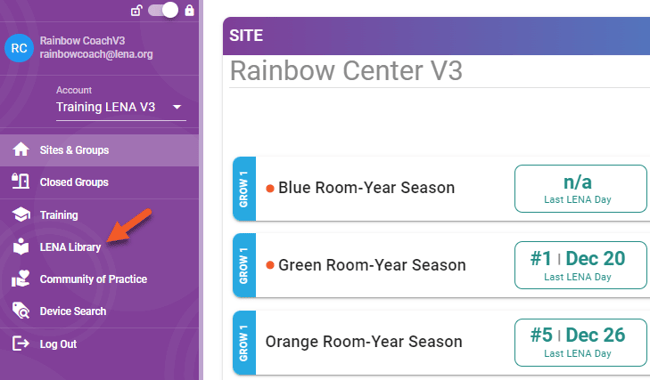
Now that you have a sense of the resources that support you in coaching with LENA Grow, let’s dig into what it’s like to coach a LENA Grow sequence —starting with how to prepare a Room!
Check your understanding: