
Course Outline
5. Weekly Management (5 min)
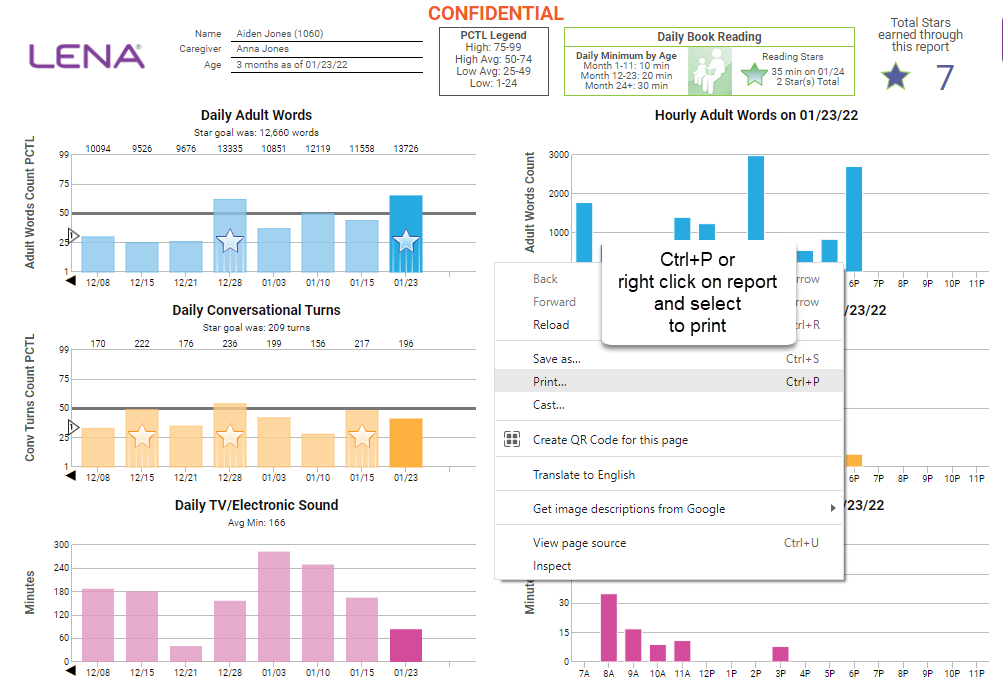
Throughout the LENA Home sequence, home visitors need to review weekly session information, review and print LENA Reports, administer and check LENA Snapshots (if using), and document Reading Minutes. Your LENA Home Coaching Sessions Guide, LENA Home Resources, and the Quick Start Guide have everything you need!
Complete the following each week:
Prepare session content.
All of the following materials are located in LENA Home Resources.
- Review LENA Home Coaching Sessions Guide content, accompanying session videos, and related LENA Home Parent Workbook pages prior to each LENA Session.
- Print and take notes on the Session Worksheet.
- If you are delivering sessions virtually, you may ask families to watch session content videos before your virtual visit. Send video links ahead of time following the instructions in your Quick Start Guide. Be sure to watch the videos yourself!
|
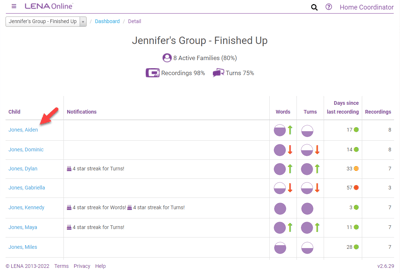
Prepare reports.
|
 |
|
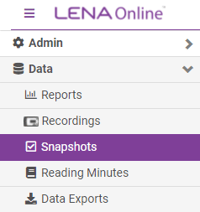
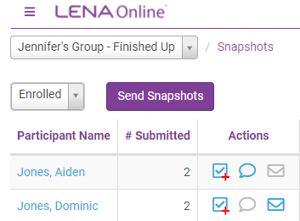
Snapshot administration.
|
  |
Reading Minutes.
Begin collecting Reading Minutes at LENA Home Session 4. Enter into LENA Online so totals are reflected on each participant’s next LENA Report and star count. Watch the video to learn more.
As families complete the program:
- Review, print, and share final reports and Snapshots.
- Unassign LENA devices.
- Mark participants as ‘completed’.
Refer to the 'Completing the Home Cycle' chapter in the Quick Start Guide for instructions.